


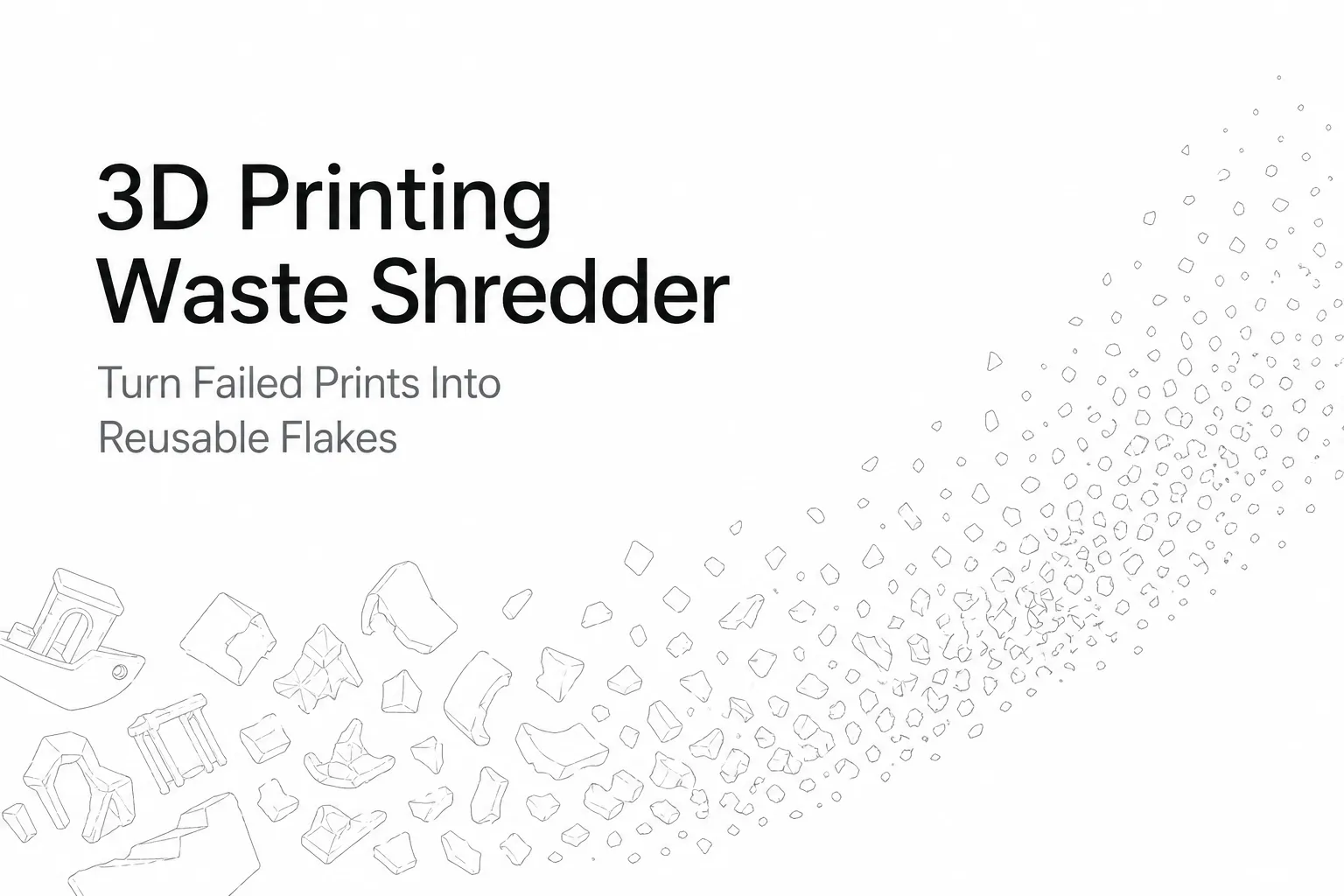
모든 3D 프린터는 폐기물을 발생시킵니다 — 서포트, 브림, 퍼지 라인, 실패한 출력물이 빠르게 쌓입니다. 3D 프린팅 폐기물 파쇄기 부피가 큰 스크랩을 보관, 재활용 업체 전달, 필라멘트 압출기 공급이 가능한 균일한 플레이크로 바꿉니다.
이 가이드에서는 무엇을 파쇄할지, 오염을 피하는 방법, 선택 시 확인할 사항을 다룹니다. 3D 프린팅 폐기물용 데스크톱 파쇄기.
적합한 대상과 피해야 할 대상
- 적합: 정기적으로 PLA/ABS/PETG 스크랩을 배출하고 일관된 플레이크를 원하는 메이커스페이스, 교실, 스튜디오, 소규모 연구실.
- 부적합: 알 수 없는 플라스틱, 혼합 소재 부품, 마모성이 강한 복합재(섬유 충전 소재를 처리하기 전 슈레더의 한계를 확인하십시오).
3D 프린팅 폐기물을 파쇄하는 것이 왜 중요한가요?
파쇄는 모든 폐쇄 루프 공정에서 실용적인 첫 단계입니다. 통째 실패한 출력물은 부피가 크고 일관되지 않지만, 플레이크는 다음이 더 쉽습니다:
- 보관 및 라벨링 폴리머/색상별
- 깨끗하게 보관 (프린터 주변의 어수선함 감소)
- 일정하게 투입 나중에 필라멘트를 압출할 경우
3D 프린팅 폐기물 슈레더가 처리할 수 있는 소재는 무엇입니까?
대부분의 데스크톱 유닛은 일반적인 3D 프린팅 열가소성 플라스틱을 처리할 수 있지만 각각 특성이 다릅니다:
| 자재 | 난이도 | 노트 |
|---|---|---|
| PLA | 쉬움 | 취성 파괴 → 균일한 플레이크; 냄새 최소; 최적의 시작 소재 |
| ABS | 보통의 | PLA와 엄격히 분리하십시오; 필요에 따라 냄새/환기를 관리하십시오 |
| PETG | 보통의 | 잘 파쇄됩니다; PLA/ABS 및 가정용 PET 스트림과 분리하십시오 |
| TPU | 더 어려움 | 유연함 — 천천히 투입하고 엉킴/걸림에 주의 |
| 나일론 / 섬유 충전 | 어려움 | 마모성 있음; 소형 데스크톱 유닛의 한계를 초과할 수 있음 — 파쇄 전 확인하십시오 |
경험 법칙: 필라멘트 종류를 확신할 수 없다면 해당 배치에 넣지 마십시오. 혼합된 폴리머는 후속 결과를 망칠 수 있습니다.
단계별: 3D 프린팅 폐기물을 파쇄하여 깨끗하고 일관된 플레이크로 만드는 방법
1단계 — 먼저 폴리머(및 색상)별로 분류
각 폴리머 유형(PLA, ABS, PETG 등)마다 전용 통을 사용하세요. 재압출 계획이 있다면 탁한 혼합을 피하기 위해 색상별로도 분류하세요.
2단계 — 오염물 제거
파쇄기에 투입하기 전에 깨끗한 플라스틱이 아닌 것은 모두 제거하세요:
- 히트셋 인서트, 스크류, 자석, 너트
- 빌드 플레이트의 테이프/접착제 잔여물
- 폼, 고무, 라벨 또는 포장 조각
부품이 기름이나 먼지로 묻어 있으면 닦아 완전히 건조시켜 주십시오.
3단계 — 큰 부품 사전 파쇄
데스크톱 파쇄기는 실용적인 투입 크기 범위가 있습니다. 큰 실패 출력물은 잘라내거나 부숴서 작은 조각으로 만들어 원활하게 투입되도록 하십시오. 호퍼를 막을 수 있는 길고 얇은 스트립은 피하십시오.
4단계 — 일관된 플레이크를 위한 파쇄(미분 아님)
목표는 균일한 플레이크, 분말이 아닙니다. 과도한 파쇄는 분진을 만들고 청소량을 늘리며, 압출 공급을 더 불안정하게 만들 수 있습니다.
5단계 — 원료처럼 라벨링, 건조, 보관
플레이크를 원료로 취급하십시오:
- 밀폐 용기에 보관하십시오
- 폴리머, 브랜드, 색상별로 라벨링하십시오
- 습기가 많은 환경에서 건조제를 사용하십시오.
필라멘트를 압출할 예정이라면 건조가 중요합니다. PLA의 경우 많은 사용자가 플레이크를 약 50–55 °C 압출 전 수시간 건조하여 수분 관련 기포와 약한 출력물을 줄입니다.
DIY 파쇄기 vs. 상업용 데스크톱 파쇄기
DIY 파쇄기도 동작할 수 있지만, 일관성과 안전성은 편차가 큽니다. 공유 작업 공간에서 반복 가능한 플레이크가 필요하다면 상업용 데스크톱 파쇄기가 더 나은 선택인 경우가 많습니다.
| 요인 | DIY 파쇄기 | 상업용 데스크톱 파쇄기 |
|---|---|---|
| 초기 비용 | 낮음(부품 기반) | 높음 |
| 가동까지 걸리는 시간 | 10–40+ 시간 | 즉시 |
| 출력 일관성 | 편차 큼 | 더 일관됨 |
| 안전 기능 | 대개 최소한 | 보호 장치 + 문서화된 절차 |
| 유지보수 | 부품 조달 편차 큼 | 접근과 청소를 고려한 설계 |
폐쇄 루프 재활용 워크플로우(메이커 규모)
- 수집 — 프린터 옆 폴리머별 통에 수집
- 검사 — 금속/혼합 재료 제거
- 파쇄 — 균일한 플레이크 생성
- 조절 — 건조 후 라벨링된 용기에 보관
- 재처리 — 필라멘트를 압출하거나 플레이크를 재활용업체에 전달
- 재출력 — 프로토타입과 비핵심 부품부터
What to Look for in a Desktop Shredder for 3D Printing Waste
콤팩트한 설치 면적
작업대와 작업 루틴에 맞지 않으면 사용하지 않게 됩니다.
낮은 소음
교실과 스튜디오에서는 밀폐형 절단실과 안정적인 프레임이 중요합니다.
실용적인 안전 설계
보호된 투입구, 명확한 막힘 해소 절차, 접근이 쉬운 유지보수 패널을 확인하십시오. 눈 보호구를 착용하고 투입구에서 손을 멀리하십시오.
배치 간 빠른 청소
다른 폴리머나 색상을 파쇄할 경우 빠른 청소로 교차 오염을 방지할 수 있습니다.
Rumtoo 미니 데스크톱 소형 파쇄기
실패한 출력물과 서포트에서 일관된 플레이크를 얻는 것이 목표라면, 조용하고 데스크톱 친화적인 환경에서 Rumtoo 미니 데스크톱 소형 파쇄기 메이커스페이스, 교실, 스튜디오 및 사무실 랩에 적합하게 설계되었습니다.
3D 프린팅 스크랩 워크플로우에 적합한 주요 이유:
- Desktop-scale footprint for bench-top use
- 반복 가능하고 일관된 플레이크 출력을 위해 설계
- 색상/재료 간 빠른 청소를 위한 유지보수 중심 설계
- 안전하고 일상 운영에 대한 실용적인 접근 방식
문제 해결
불균일한 플레이크
일정한 속도로 투입하고 큰 부품은 미리 부수십시오. 같은 배치에서 경질 재료와 연질 재료를 혼합하지 마십시오.
재료 막힘
조각 크기를 줄이십시오. 길고 얇은 스크랩을 투입구에 무리하게 밀어 넣지 마십시오. 막힘을 해소하기 전에 기계를 완전히 정지하십시오.
과도한 먼지
과도한 파쇄를 피하고, 각 작업 후 절단실과 주변 영역을 청소하십시오.
안전 체크리스트
- [ ] 눈 보호구 착용
- 투입구에서 손을 멀리하십시오
- 막힘을 해소하기 전에 기계를 완전히 정지하십시오
- 알 수 없거나 혼합된 재료는 파쇄하지 마십시오
- 각 작업 후 작업 공간을 청소하여 플레이크에 미끄러지는 것을 방지하십시오
FAQ
3D 프린팅 폐기물 파쇄기란 무엇인가요?
실패한 출력물, 서포트, 브림, 퍼지 라인을 플레이크로 절단하여 보관, 재활용 또는 재압출에 사용할 수 있는 소형 기계입니다.
데스크톱 파쇄기를 집에서 사용할 수 있습니까?
네 — 폴리머별로 분류하고, 오염물(특히 금속)을 제거하며, 플레이크를 제대로 보관한다면 가능합니다.
파쇄하기 가장 쉬운 플라스틱은 무엇입니까?
PLA는 보통 가장 쉬운 시작 재료입니다. 깨끗하게 부서지고 널리 사용되기 때문입니다.
어떤 플레이크 크기를 목표로 해야 합니까?
다음을 목표로 하십시오 일정한 품질의 플레이크, 미분이 아닙니다. 균일한 원료가 최소 크기보다 더 중요합니다.
핵심 요약
- 폴리머별 분류 ~ 전에 파쇄
- 먼저 금속 부품과 오염물을 제거하십시오
- 분말이 아닌 일관된 플레이크를 목표로 하십시오
- 플레이크를 건조하여 원료처럼 보관하십시오
- 하나의 명확한 제품 링크를 유지하고 SEO 집중을 위해 산만함을 최소화하십시오
관련: 탐색하십시오 미니 컴팩트 파쇄기, 또는 당사의 플라스틱 슈레더 라인업.
